Roleplay Signs - Settings - Set Line#
Tip
This section core parent is Roleplay Signs
/rpsign settings setline <1-4> <Kyori Formated>- This command allows you to change the sign line text!
Tip
The screenshot below is the default RPSign format, but however server admins or server developers can simply update the configuration file so other server may or may not have different format!
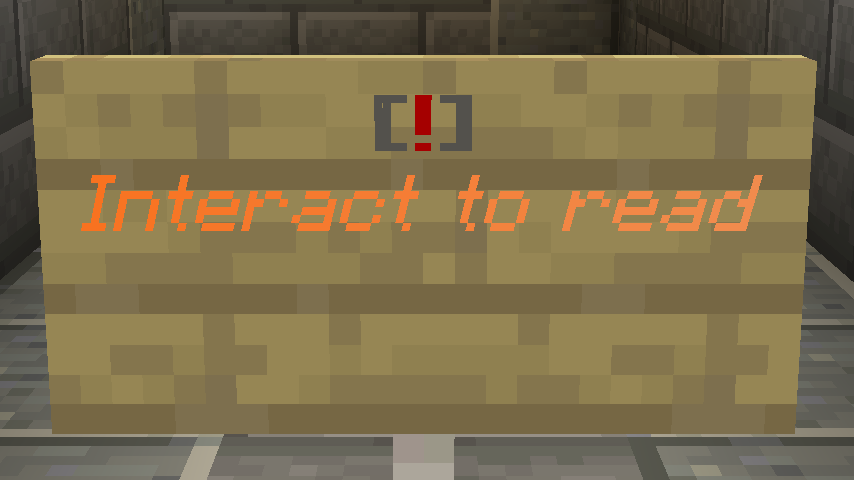
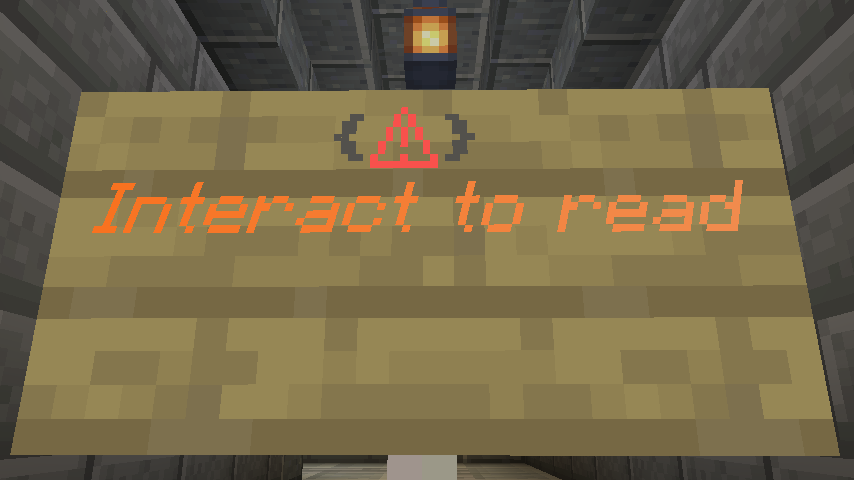
When using /rpsign settings setline there few things that need to be counted for that Minecraft signs can go 1 from 4 lines and the max characters for each line is 16 characters, but however, RPToolBox knows how to handle the formatting and counting the characters. So when starting off let us update the first line of the sign lets change the text to be something else /rpsign settings setline 1 <dark_gray><bold>{</bold><red>⚠<dark_gray><bold>}</bold>
Now let’s update the second line to be something else now /rpsign settings setline 2 <gradient:green:blue>Interact to read
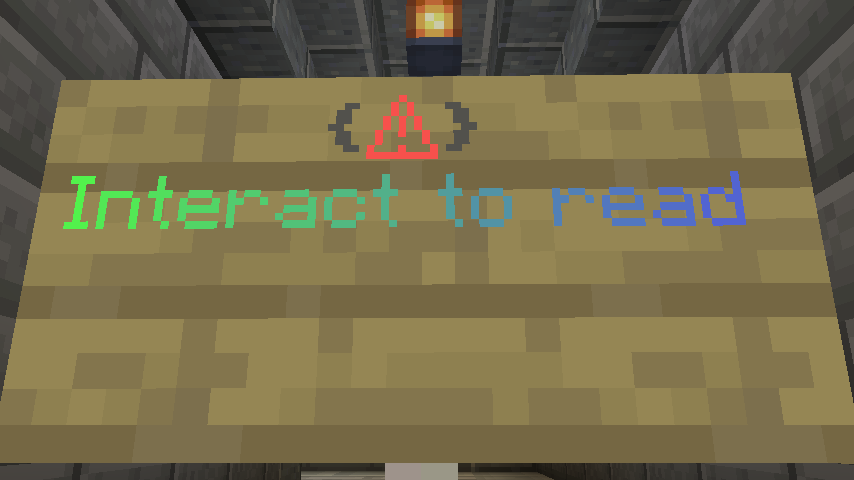
And this pretty much sums up this settings from Roleplay signs, this settings there you can change the lines of the signs to look different from others.