How To an Create NPC and Deleting NPC#
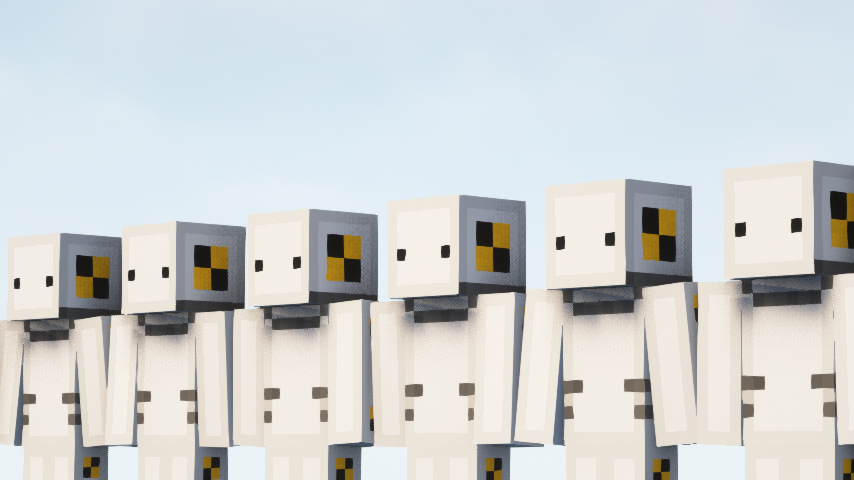
Creating NPC#
Creating an NPC is very simple as running a single command /rpnpc create, so this command will create an NPC that will be using your current active Minecraft skin as the default.
Attention
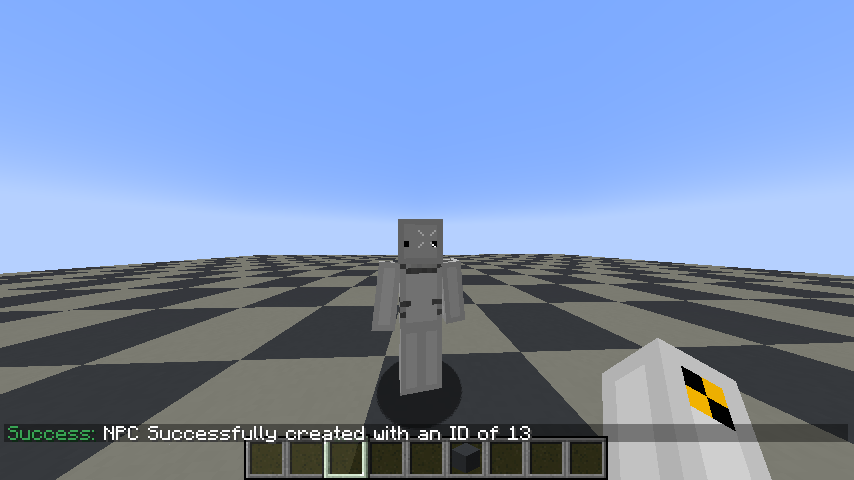
Now what is the ID number these are temporally assigned ID that allows few plugin functions to work properly on the server restart that ID can change sample in the screenshot it says the ID is 13, but in the next server restart it can be a different number sample ID of 10 or 14
You will see an NPC spawn inside of you and in the chat, you will see a message NPC Successfully created with an ID of {TEMP ID}!
Tip
If you want or need to create an NPC that is player ownerless or staff NPC then you can run this command /rpnpc create -staff this will create a new NPC without any owners attached to it.
Deleting NPC#
Hint
To order to get your NPC assigned ID click here to find out
If you need to remove an NPC when simply run /rpnpc remove {TEMP ID}, but however you will need to be close to that NPC to order do it.