How To Update NPC Skin#

Hint
To order to get your NPC assigned ID click here to find out
Preset Skins#
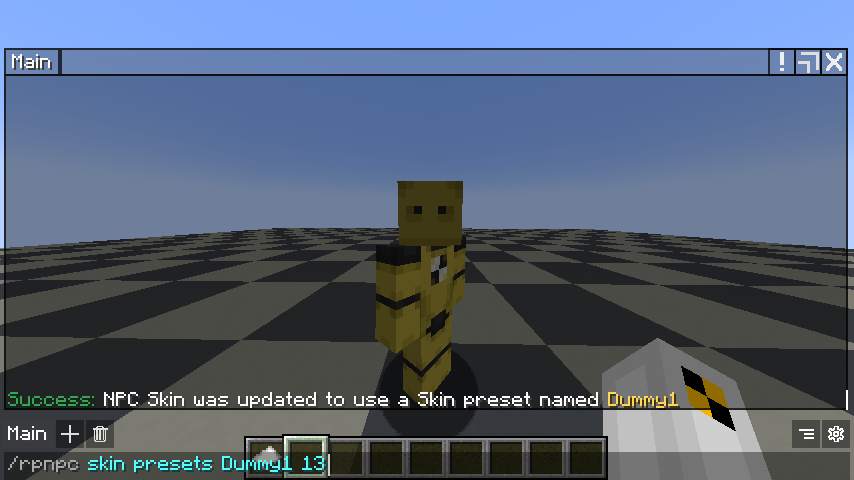
Preset skins are where staff has saved or created a preset for everyone on the server able to use a sample a simple farmer skin or fighting dummy and etc. Now in these cases let us select another test dummy skin and the preset name is given Dummy1.
Usage: /rpnpc skin presets <preset name> <Temp NPC ID>
Username Skin#
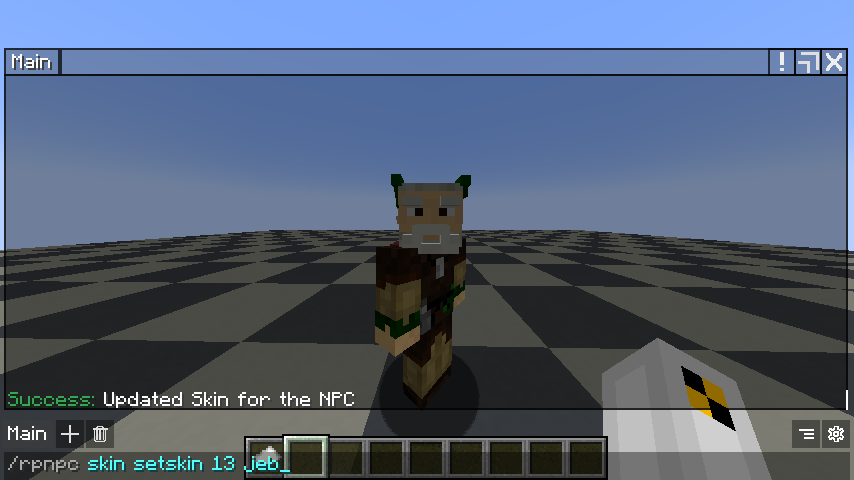
Now if the preset does not meet your requirements and want to use a custom skin then you can feel free to use them for this sample we will use jeb_ and apply it on our NPC!
Usage: /rpnpc skin setskin <Temp NPC ID> <Valid Minecraft Username>
Hint
If the player updated or changed their skin where NPC is basing off, NPC will not reflect the change, but if you want to reflect the changes then you will need to re-run the command /rpnpc skin setskin